Dictate in any app
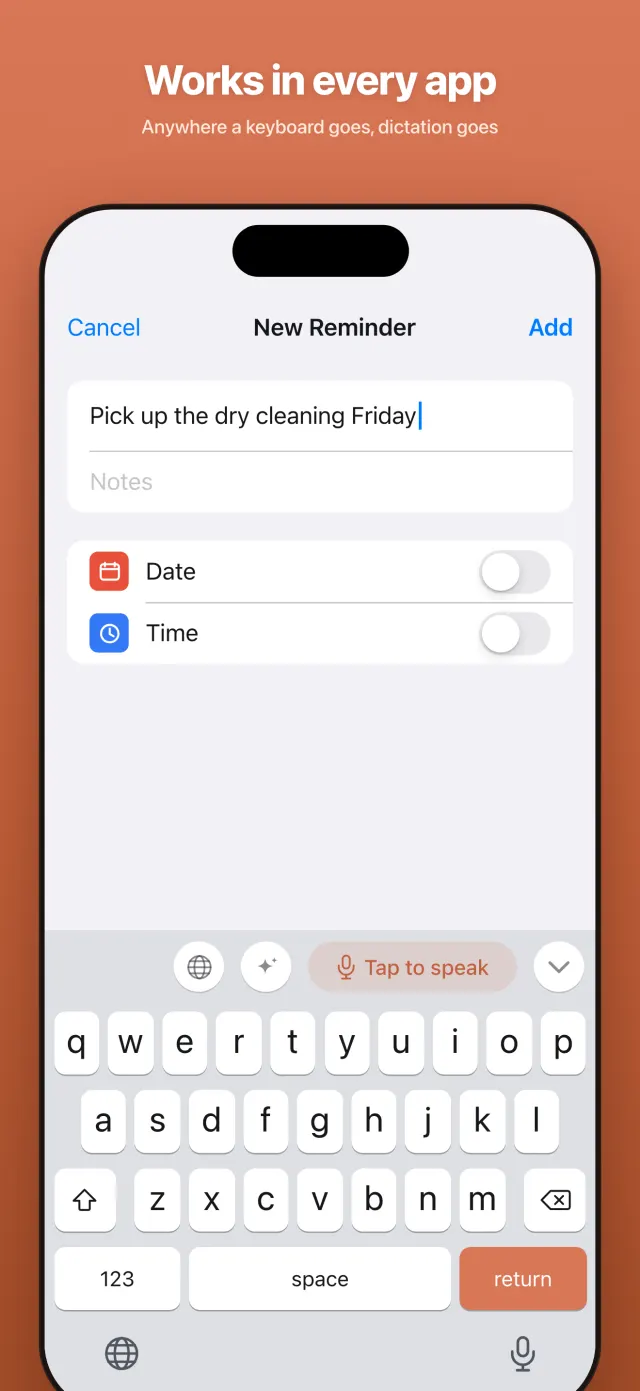
Voicetation is a keyboard, so it works everywhere you can type — Messages, Mail, Notes, Slack, WhatsApp, your browser. Tap the mic and speak.
Speak, and it types
Voicetation turns your voice into clear, ready-to-send text in any app on your iPhone. Tap the mic, say what you mean, and keep moving — no accounts, no tracking.
Free · No account · iPhone, iOS 18 or later
Real screens from the version on the App Store.
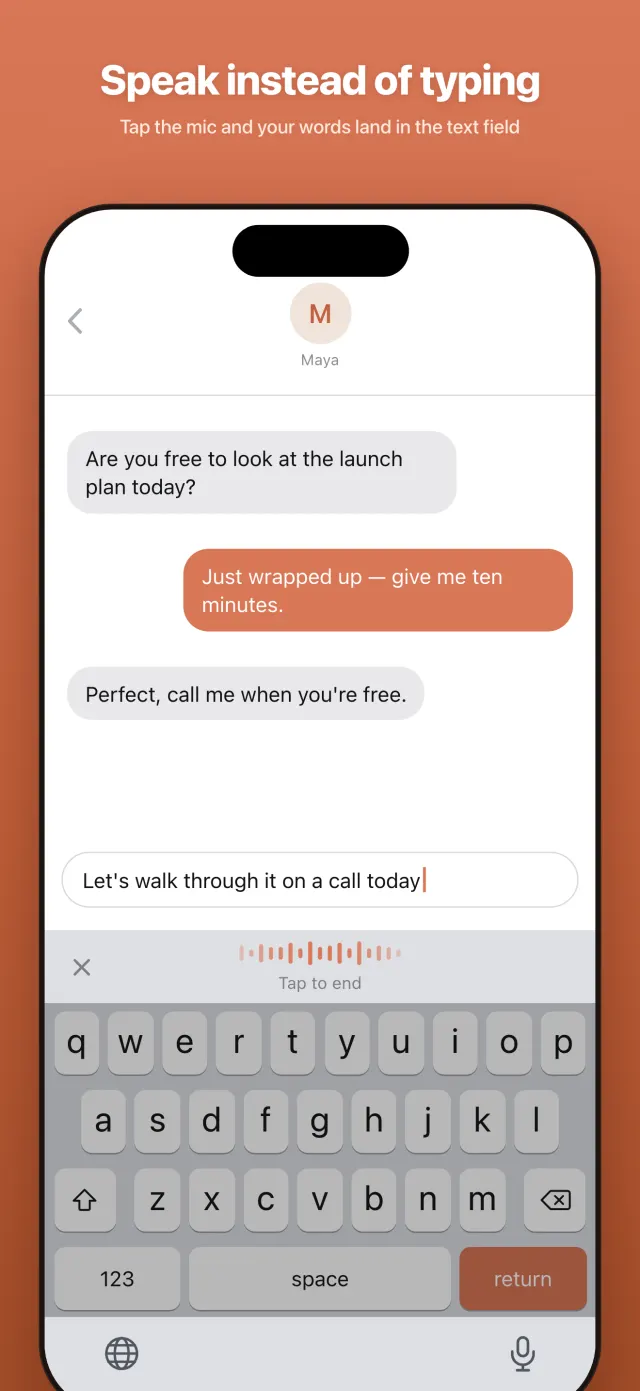
Tap record and speak — up to one minute. Your words become text you can copy anywhere.
Voicetation is a keyboard, so it works everywhere you can type — Messages, Mail, Notes, Slack, WhatsApp, your browser. Tap the mic and speak.
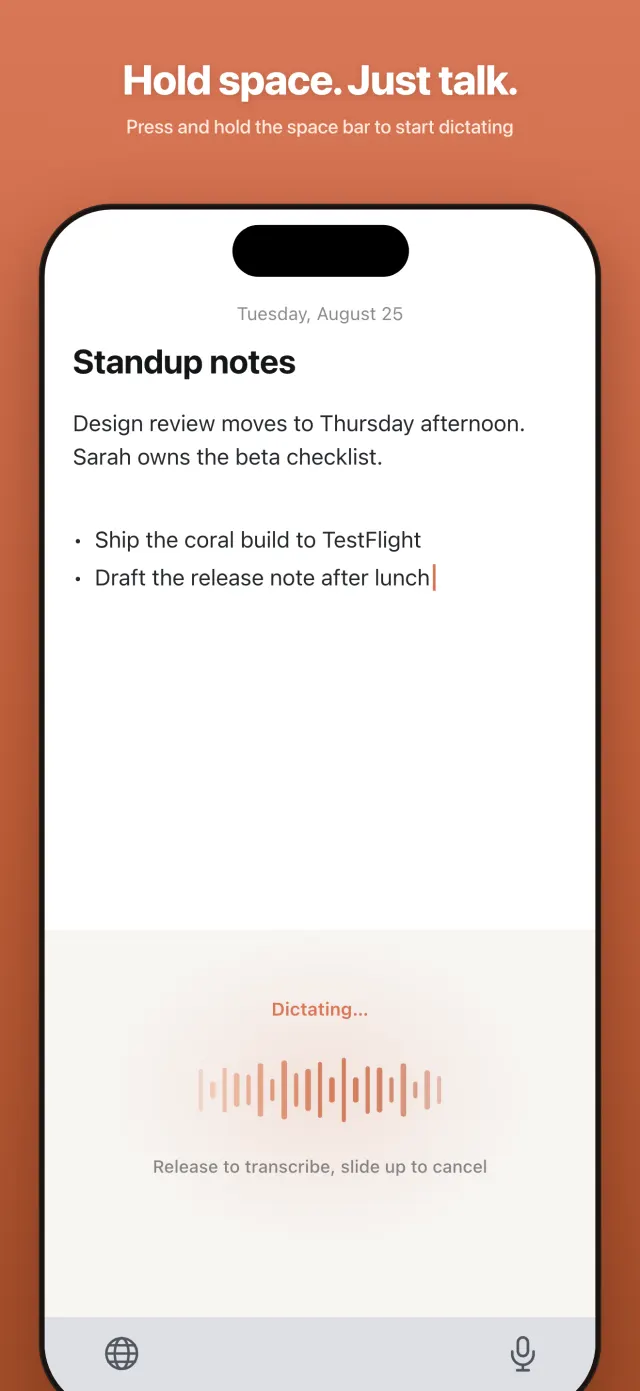
Press and hold the space bar to dictate, release to drop the text in. No aiming for a button — the fastest way to say one quick line.
State-of-the-art AI speech recognition turns natural talk into clean text — punctuation, casing, and formatting handled for you.
Install, add the keyboard, start dictating. The other voice apps make you create an account first — we don't even have one to create.
Dictate in English, Spanish, Japanese, French and more — switch languages mid-conversation and Voicetation keeps up automatically.
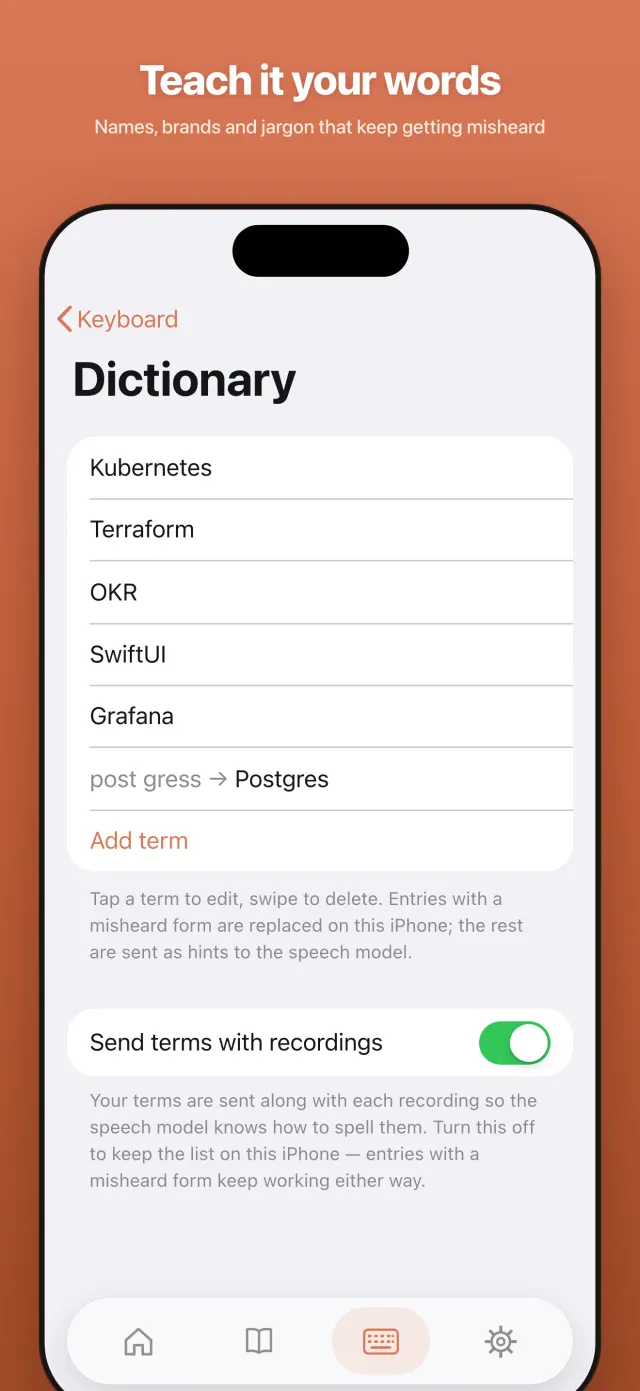
Teach Voicetation the names, brands, and technical terms you actually use, so they come out spelled right — every time.
No accounts, no tracking, no ads. We do not store audio on our servers. One unfinished dictation may stay only on your iPhone for up to 24 hours so you can recover it. Password fields never reach the keyboard.
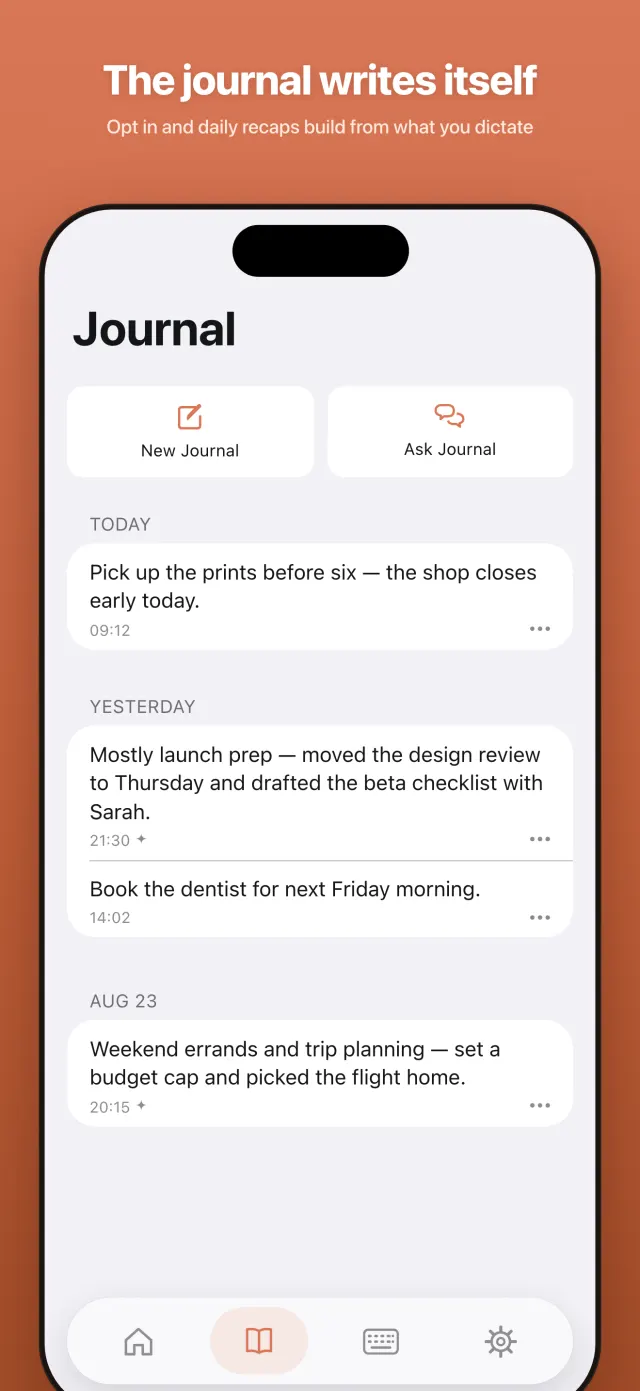
Turn it on and Voicetation quietly builds a daily recap out of what you dictated — plus notes you jot down yourself. Off by default; nothing is kept unless you ask for it.
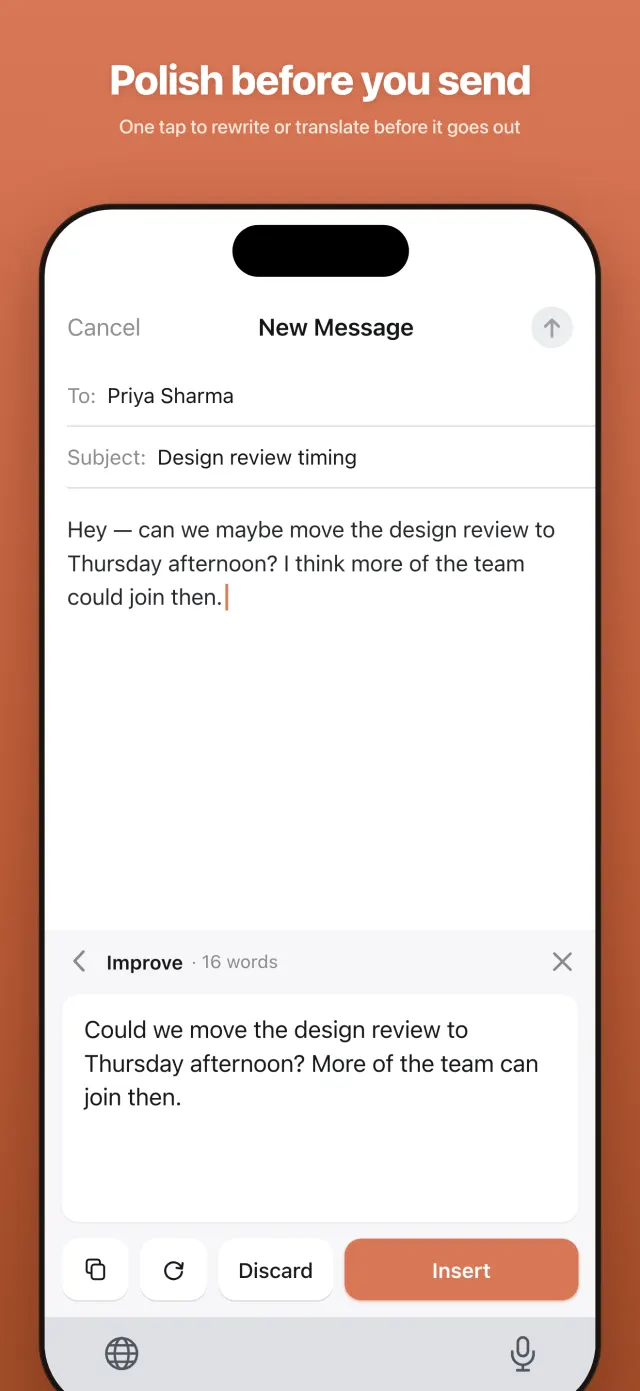
Dictation gets the words out. The AI on the keyboard makes them sound right — rewrite and translate without leaving the app you're in.
Dictated a rambling draft? Tap ✨ and get it rewritten — clearer, more professional, more concise, or friendlier. Works on anything you typed or dictated.
One tap turns what you wrote into English or Japanese — hold a conversation in a language you can barely type in.
Rewrites and translations show as a preview on the keyboard first. Your text stays untouched until you tap Insert — no surprises.
From download to first dictated message in about a minute.
Install Voicetation, then enable it in Settings → General → Keyboard. The app walks you through it in under a minute.
In any app, switch to Voicetation with the globe key and tap the microphone — or just hold the space bar.
Speak naturally — pauses, names, half-formed thoughts and all. Tap stop and your words appear as clean, ready-to-send text.
Apple's Dictation is handy for a quick sentence. Voicetation is for people who talk instead of type.
Built-in iPhone dictation likes short bursts and stops when you pause too long. Voicetation keeps going until you tap stop — think out loud, backtrack, take your time.
Names, product terms, and industry jargon are where dictation usually falls apart. Your personal dictionary biases recognition toward the words you actually say.
Punctuation and capitalization are handled automatically, so what lands in the text field is ready to send — not a wall of lowercase. Rambled anyway? ✨ tidies it in one tap.
Bad connection mid-dictation? Voicetation keeps your audio and offers a one-tap retry — what you said never just disappears.
Yes. Voicetation is a free download on the App Store — no account, no subscription prompt, no ads.
Install Voicetation, enable it under Settings → General → Keyboard, then open any app, switch to the Voicetation keyboard, and tap the microphone (or hold the space bar). Speak, tap stop, and your words appear as text.
Voicetation is built for people who dictate a lot: it keeps going until you stop it, handles punctuation and casing automatically, learns your names and technical terms through a personal dictionary, and can rewrite or translate what you said before you send it.
They are two ways to keep dictation available without bouncing you back to the Voicetation app, and you pick one under Home → Mode. Floating Window (the default) leaves a small picture-in-picture window on screen; it keeps the session alive, and the microphone only turns on while you are actually speaking. You can drag that window to the edge of the screen to tuck it away, and it needs "Start Picture in Picture Automatically" turned on in Settings → General → Picture in Picture. Voice Standby puts nothing on screen — instead the microphone is held on standby for the whole session, so dictation starts the instant you tap. iOS shows the orange microphone indicator for as long as that session lasts, audio between phrases is discarded on your iPhone and never saved or sent, and the session ends automatically after the time you choose (1 minute, 15 minutes, 1 hour, or never). In short: Floating Window trades a small on-screen window for a microphone that is off between dictations; Voice Standby trades a constantly lit microphone indicator for the fastest possible start.
iOS does not let keyboard extensions use the microphone — only a full app can. So the first time in a session, Voicetation opens for a moment to start the microphone, then sends you back. After that the session stays alive (via Floating Window or Voice Standby) and you can dictate without leaving the app you are in.
We do not store your audio on our servers. If a dictation cannot be returned safely, Voicetation keeps one temporary recovery copy — audio or text — only on your iPhone for up to 24 hours, then deletes it automatically. There are no accounts or tracking, and password fields never reach Voicetation.
Yes. The keyboard has a ✨ rewrite button with four built-in styles — improve, professional, concise, friendly — plus styles you can define yourself, and a 🌐 one-tap translate button (currently into English and Japanese). You always preview the result first and insert it only if you like it.
You can dictate in 20 languages, including English, Spanish, Japanese, French, and German — with automatic language detection if you switch between them.
Dictation uses a secure cloud service for the best accuracy. On iOS 26 and later, an on-device fallback keeps dictation working when you have no connection. Typing — including autocorrect, word suggestions and the pinyin keyboard — always runs on your device.
An iPhone on iOS 18 or later. The keyboard needs Full Access so it can hand recording off to the app and get your text back; without it, typing still works but voice input does not.
Free on the App Store. Works in every app that has a keyboard.
Download on the App Store